
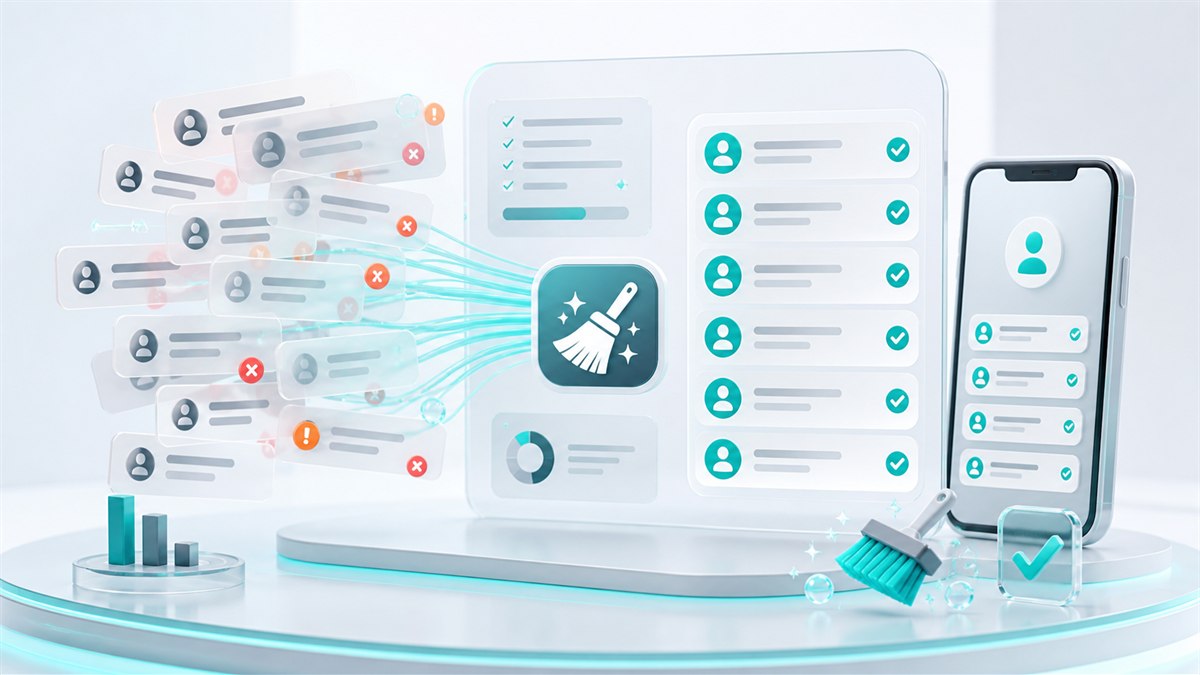
Why clean phone lists matter before SMS campaigns
Cleaning and normalizing phone number lists before import reduces duplicates, failed sends, manual cleanup, and avoidable campaign noise.
Contact lists often contain hidden quality problems
Phone lists can include duplicates, local number formats, pasted notes, old contacts, missing country codes, and inconsistent spacing. These issues are easy to miss in spreadsheets but become visible when a campaign is sent.
A bounded preview helps teams clean safely
This tool works on pasted input and returns a limited preview, so teams can quickly check list quality without building an import workflow first. It is useful for early cleanup and for understanding the type of corrections a list may need.
Clean lists improve segmentation and follow-up
Normalized numbers make it easier to remove duplicates, segment contacts, compare results, and avoid sending the same message multiple times to the same recipient.
Prepare contacts for real campaign work
After cleanup, Intellipush can help organize contacts into lists, send targeted SMS campaigns, and track delivery and engagement from a controlled platform.
Before importing a pasted list
- Remove empty rows and unrelated notes.
- Use the correct country hint.
- Review invalid and duplicate counts.
- Check a sample before importing the full list.
- Keep consent and source information with the list.
When your list is clean, Intellipush can help import contacts and send targeted SMS campaigns with better control.